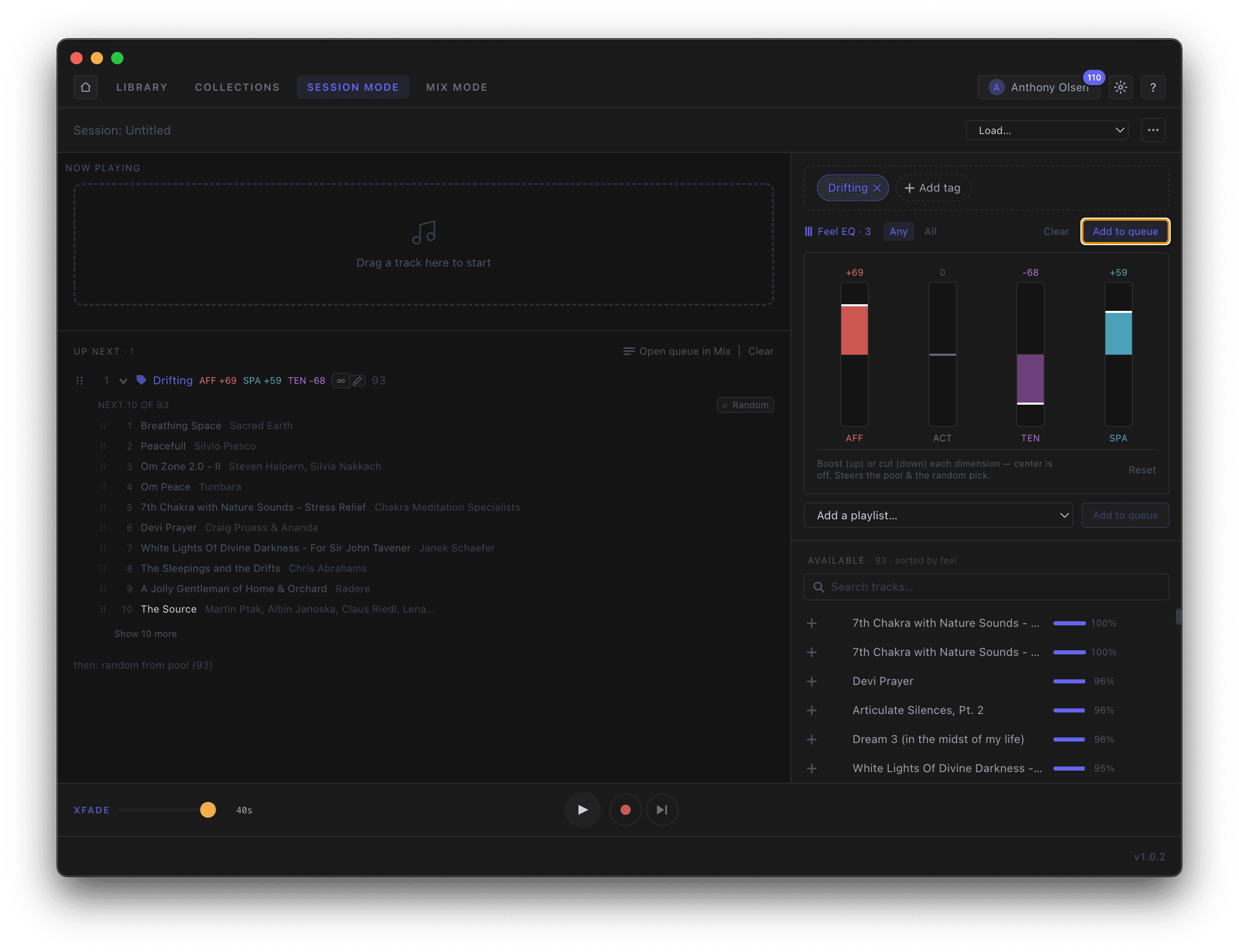
Add a tag like Drifting to constrain what plays next, and use the tag generator to auto-build a queue from your current Feel EQ. Match all or any, add straight to the queue, and hit record to capture the whole set — tracks, order, and crossfades — into Collections to replay, template, or open in Mix. Recording the session means that all of the track selections, fade and queue times are remembered so you can repeat the playlist session verbatim any time you need.
- —Constrain the pool with tags
- —Auto-build a queue from Feel EQ
- —Record straight into Collections