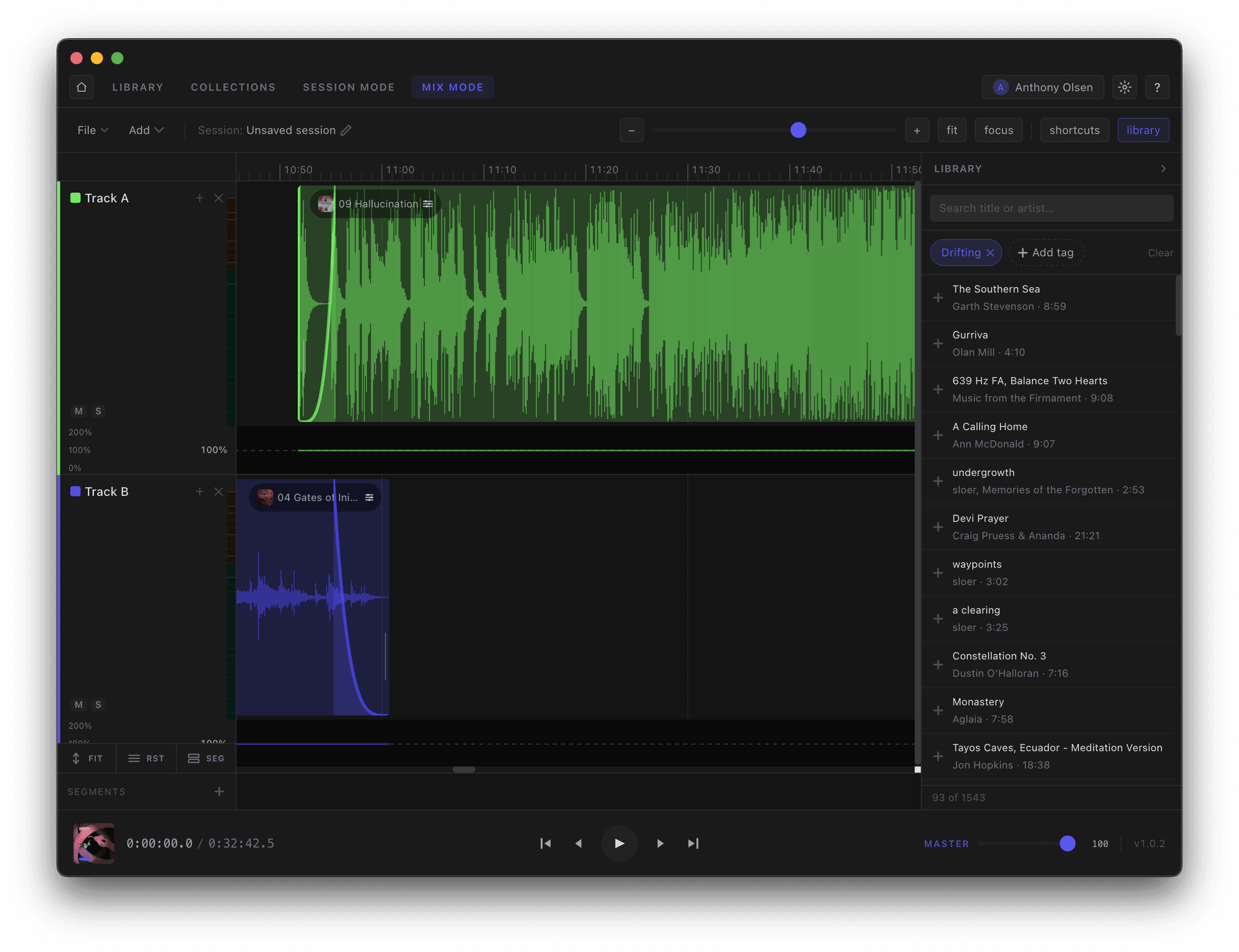
Open the Library panel on the right to search your whole catalogue — the same tags and matches as the Library workspace — and drag tracks straight onto the timeline. Filter by tag to find the right piece for a moment without ever leaving Mix. Or justy drag and drop the file from your hard drive into the position in the mix you want to add it.