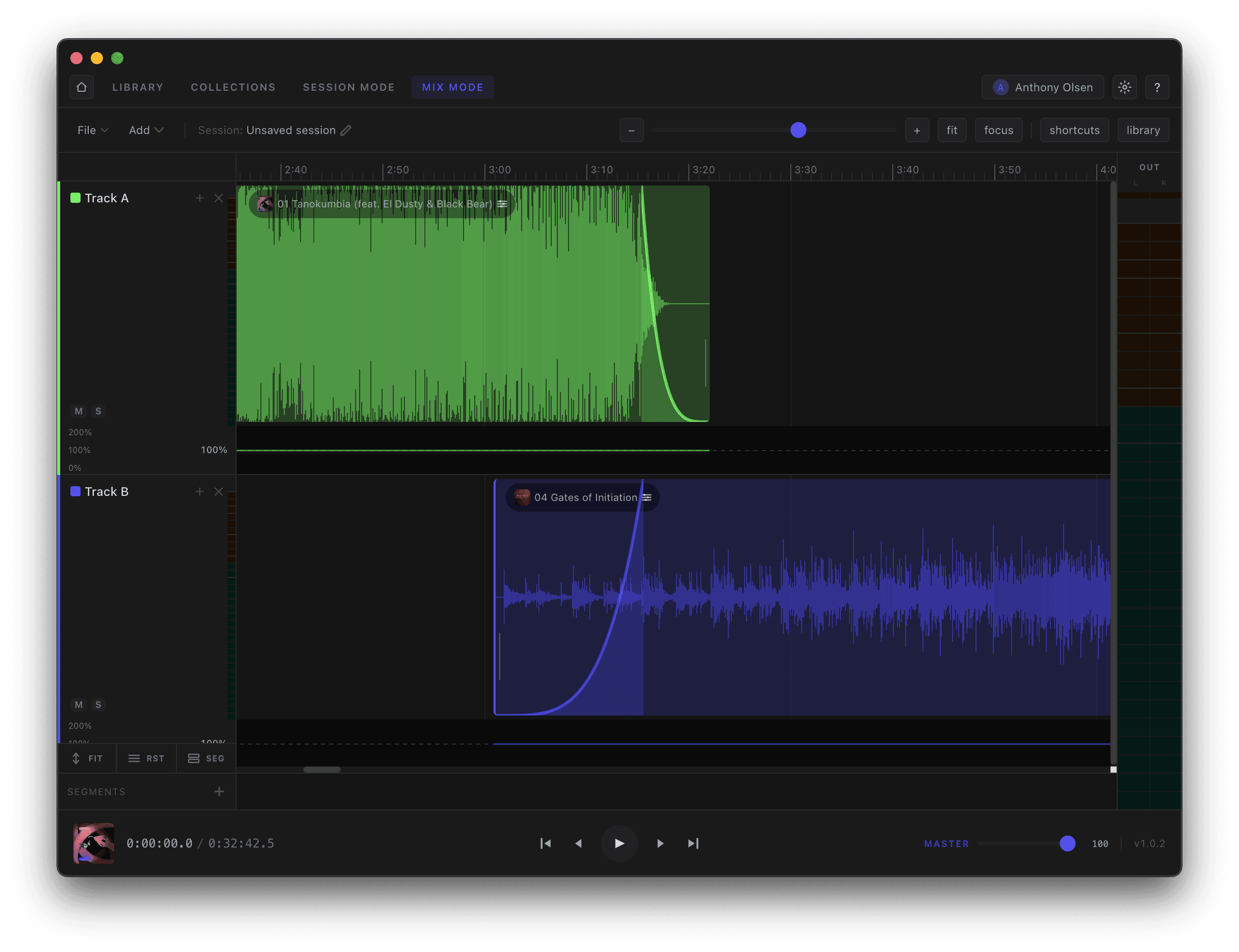
Lay tracks across multiple lanes — Track A, Track B, and as many as you need. Drag clips to position them, trim from the edges, and overlap two clips to create an automatic equal-power crossfade, with the fade curve drawn right across the join. Use Fit and Focus to frame your work and the zoom controls to get pixel-accurate.
- —Parallel lanes for as many tracks as you need
- —Overlap clips for automatic equal-power crossfades
- —Fit, Focus, and zoom for precise editing