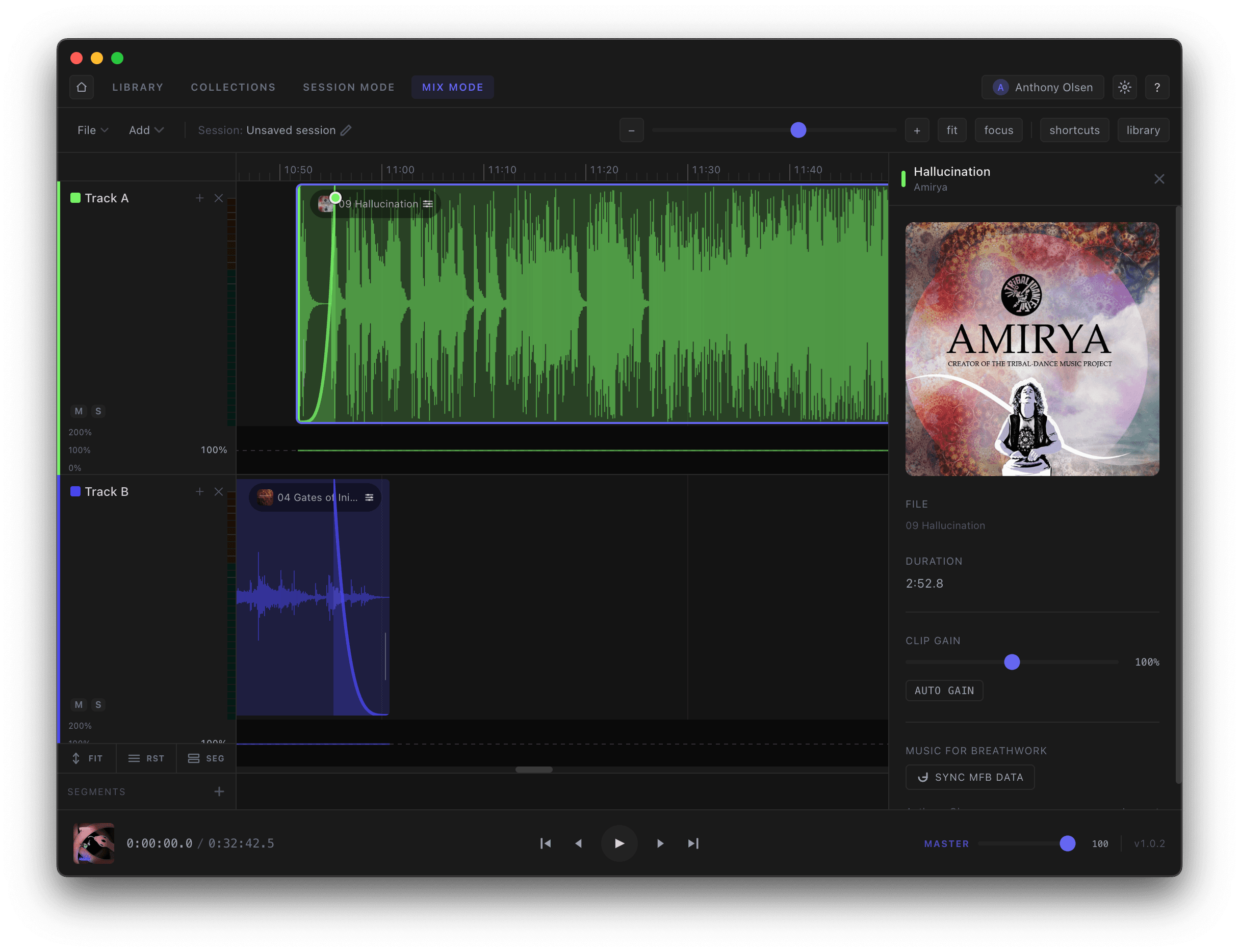
Select a clip to open its detail panel: set clip gain, let Auto Gain even things out, and keep Music for Breathwork data synced. Draw volume automation directly on the clip to build the energy arc — a slow rise into the breakthrough, a gentle fall into the return.
- —Per-clip gain and auto-gain
- —Draw volume automation directly on clips
- —Keep MFB tags and features synced