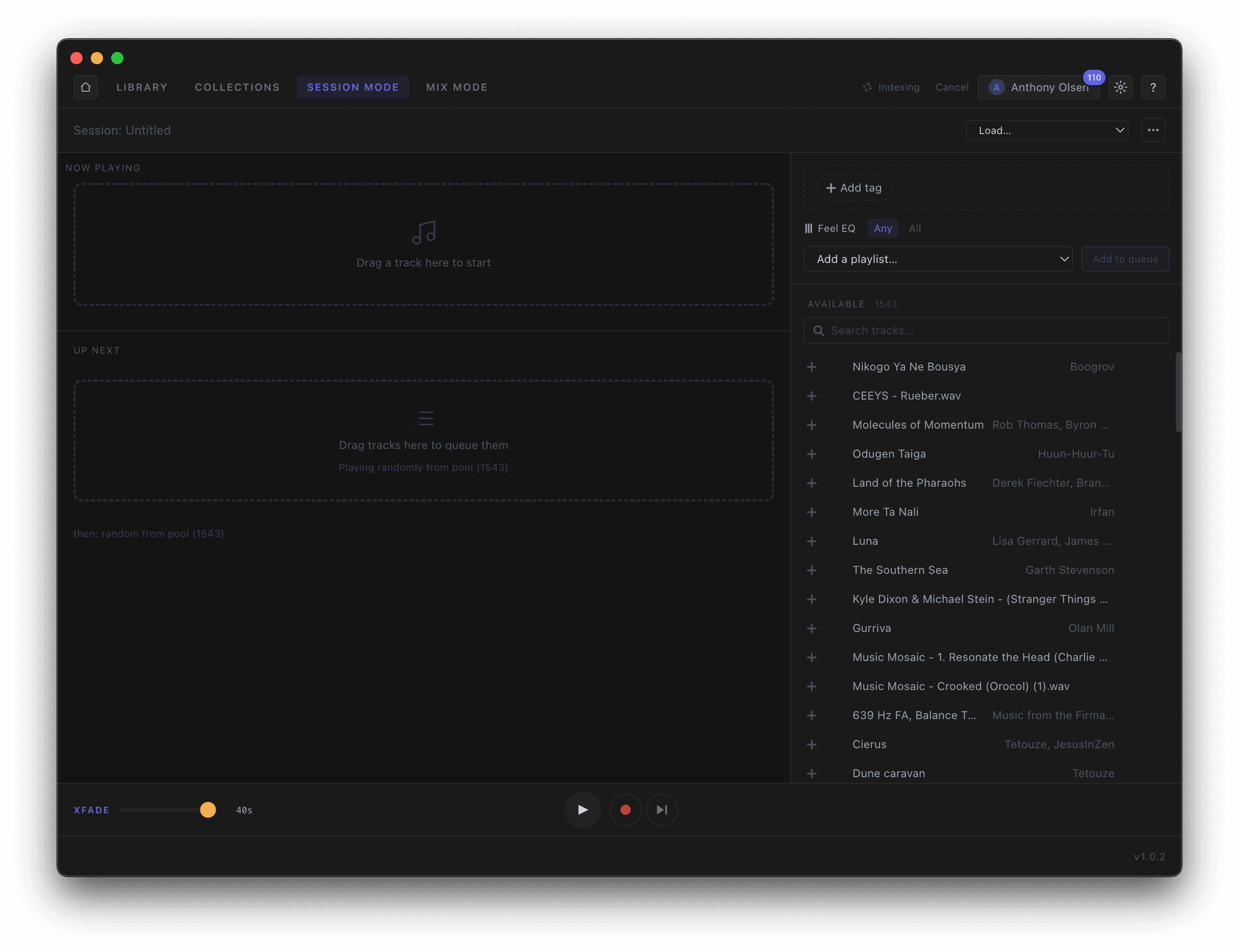
Start from empty: drag a track into Now Playing to begin, and drop more into Up Next to line them up or click the plus symbol next to the track int hr availability pool. Load a whole playlist from the dropdown from your Music for Breathwork playlists, or search the Available pool on the right and add tracks one at a time. The crossfade slider at the bottom sets how long every transition takes.
- —Drag tracks into Now Playing or Up Next
- —Load a playlist or add tracks live
- —Set the crossfade length once